01 / The problem
The problem
Finance apps usually ask for your bank password or keep your data in someone else's cloud. A spreadsheet predicts nothing on its own: every month is copy, paste and hope the formulas hold.
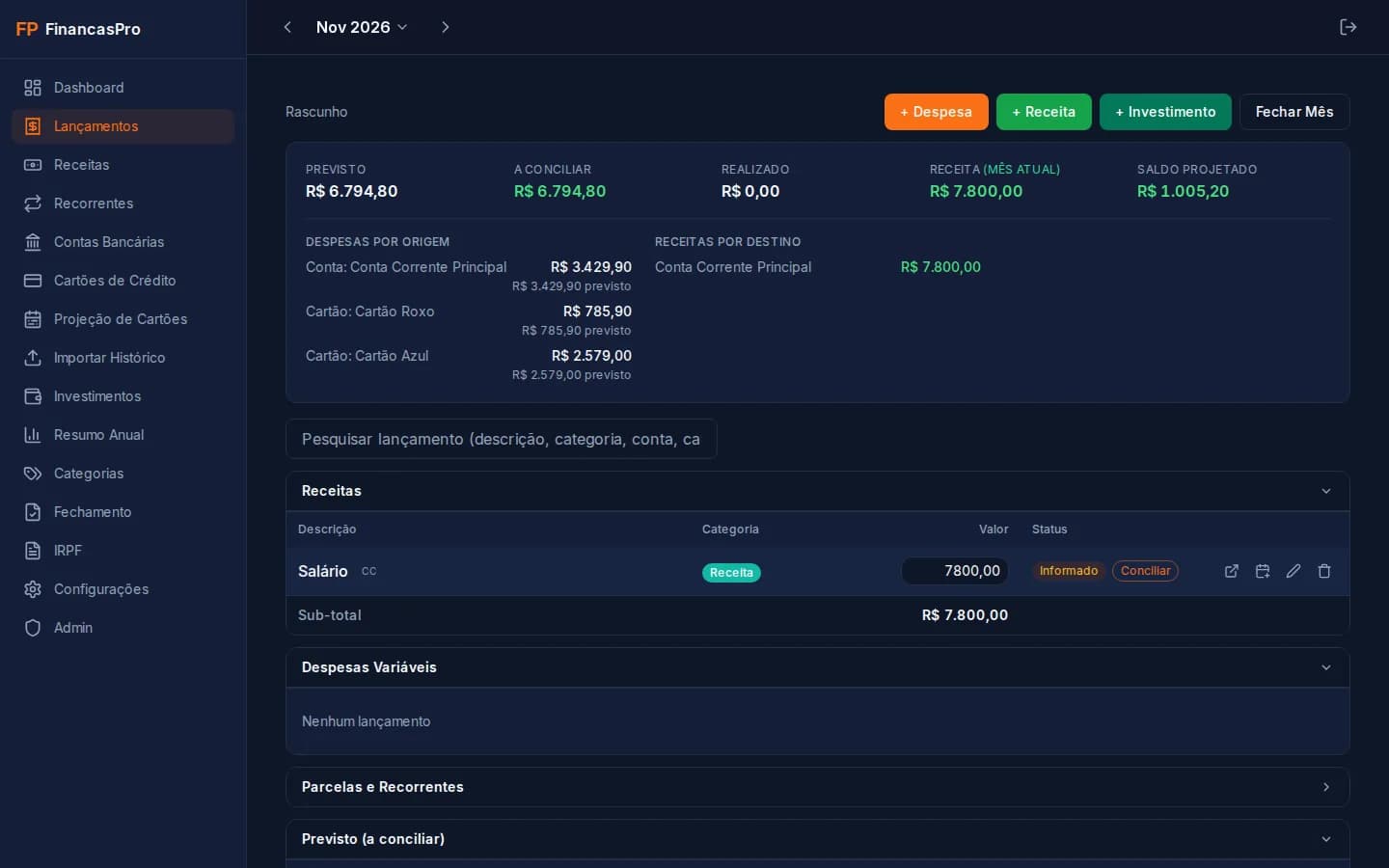
FinancasPro started as the spreadsheet we used to run our household budget. It became an app with a planned vs. actual cycle, installments that repeat on their own and a month-end close against the bank balance.
It runs on your computer, with a local database. Nobody outside can reach it, not even RotaLabs.
02 / What it does
What it does
- Planned vs. actualPlan the month, mark what was paid and close it against the bank balance.
- Recurring and installmentsSeries that repeat on their own in the following months, with an installment counter and early payoff.
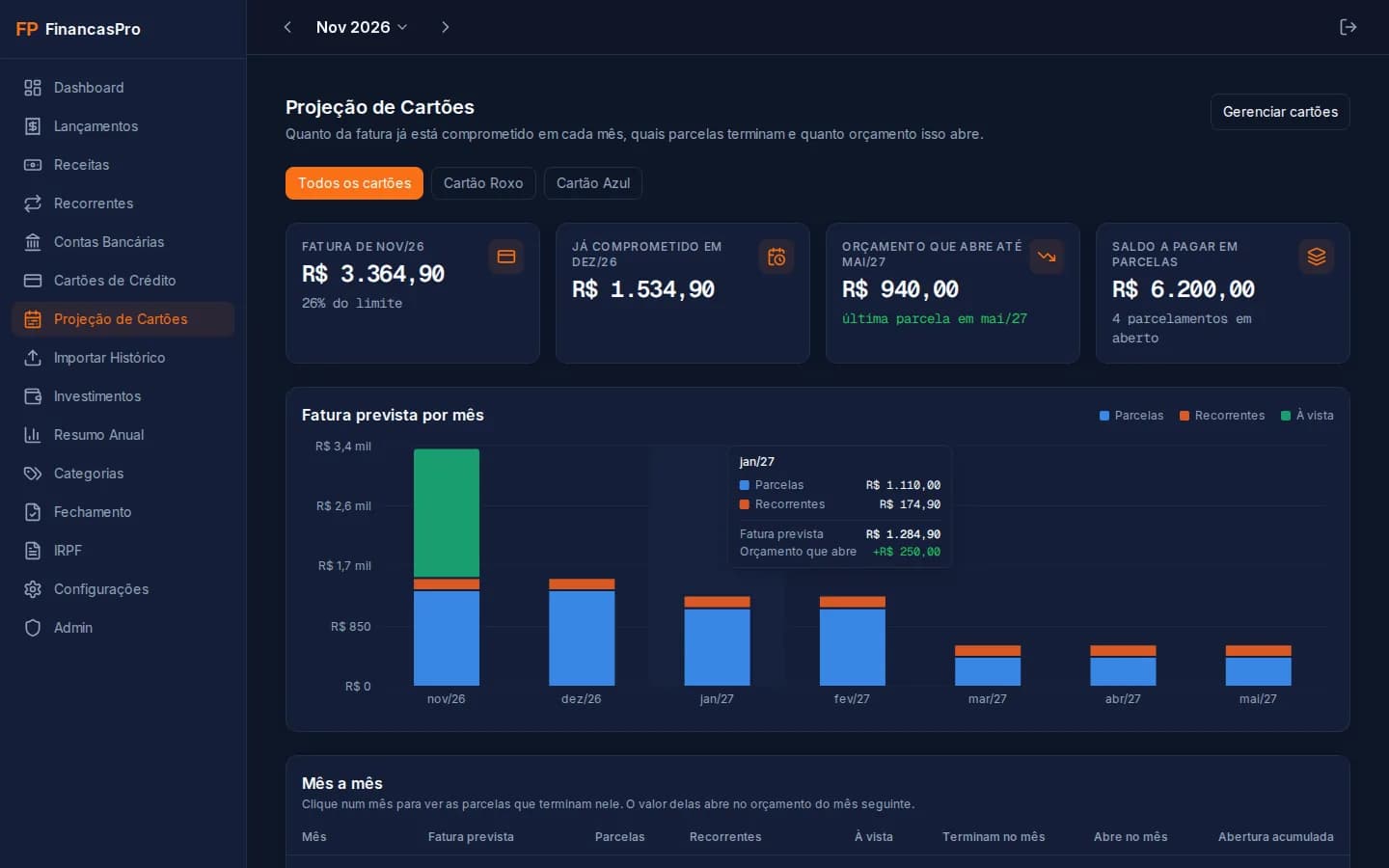
- Card projectionExpected bill per card, installments that end and the budget that frees up month by month.
- Accounts and vaultsBalance per bank account and savings goals with a monthly deposit.
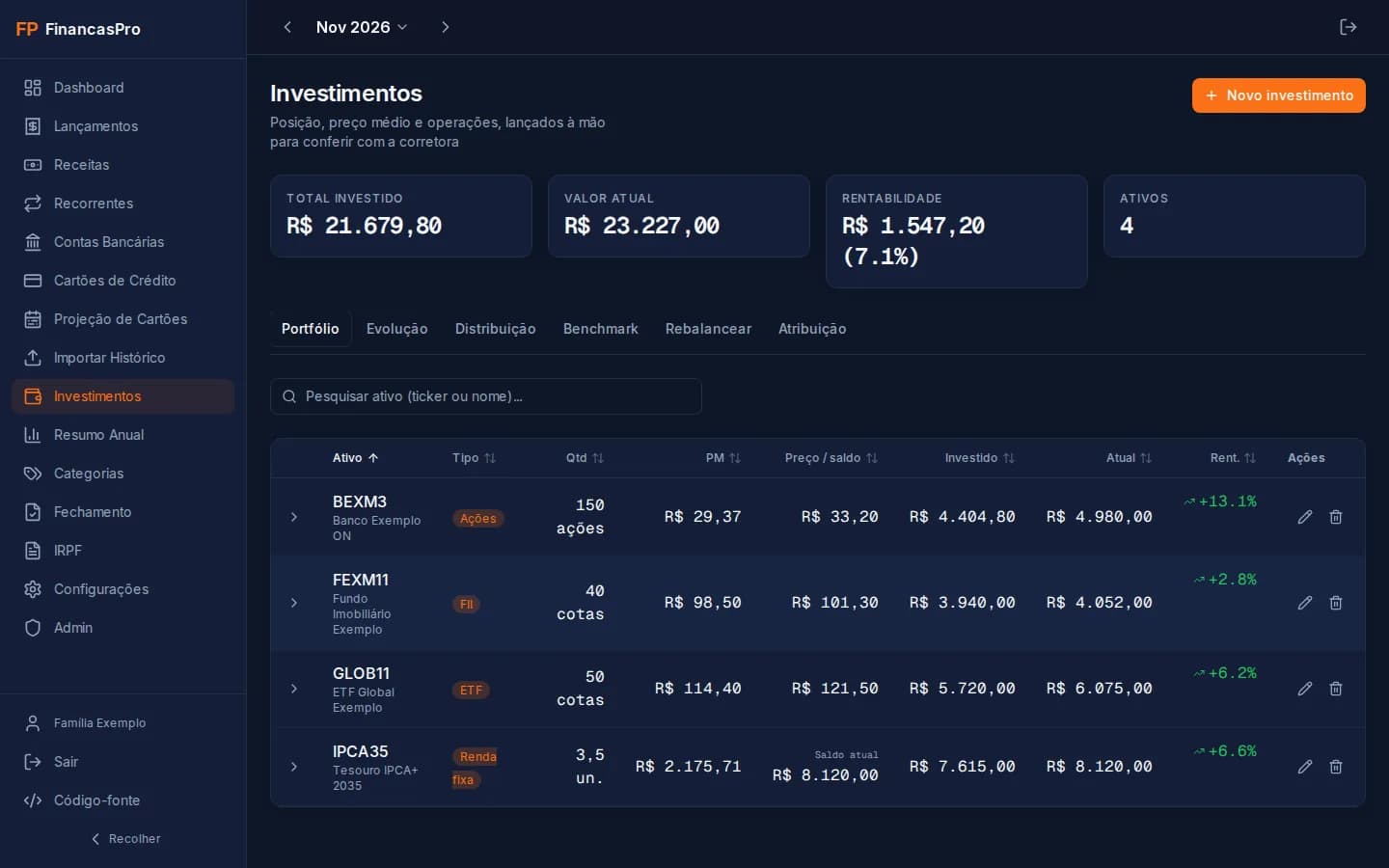
- InvestmentsQuantity, average price and portfolio growth, entered by hand to match your broker.
- Brazilian tax (IRPF)Year-end position for the assets section, with each asset's code and group.
- Yearly summarySpending per category month by month and the historical average to plan ahead.
- CSV importBring your spreadsheet history through the CSV template, with a preview before saving.
03 / Compatibility
Compatibility
- Linux + DockerInstall, first access, backup and restore tested.Tested
- Windows + Docker DesktopInstall and everyday use validated.Tested
- macOS + Docker DesktopThrough Docker Desktop, on Intel or Apple Silicon Macs.Likely, untested
04 / Install
Install
With Docker
Install Docker Desktop, download the .zip (button above), unzip it and run only the last command in its folder. With git, run all three. Then open localhost:3000/setup and create your account. Backup and updates are in docs/LOCAL.md.
$ git clone https://github.com/rotalabsco/financaspro.git$ cd financaspro$ docker compose up -d --build
05 / Safety
Safety
- The app only accepts connections from the computer itself: nobody on your Wi-Fi can reach it.
- The database is not exposed: only the app, inside Docker, talks to it.
- It never asks for a bank password nor calls external services: you type or import every entry.
- Passwords stored with bcrypt and a login attempt limit.
- Backup to a single file with one command, to keep wherever you want.
06 / FAQ
FAQ
Does my data go anywhere?
No. It stays in a PostgreSQL database inside Docker, on your computer. RotaLabs receives nothing.
Does it connect to my bank?
No, on purpose: there is no Open Finance and no bank password. You enter items by hand or import a CSV.
Can I use it on my phone?
Not with the local install, which only accepts the computer itself. To use it from anywhere, host it on a server with HTTPS: the guide is in the repository.
What if I forget my password?
Anyone with access to the computer can reset it with one terminal command. It is in docs/LOCAL.md.
The amounts in the screenshots are fictitious. FinancasPro organizes your finances but is not financial or accounting advice: always double-check your tax return. The interface is in Portuguese.